Core feature
AI Tattoo Design Generator for Concept Preview
InkView treats AI generation as one source of tattoo ideas. The value comes from moving a generated concept into body preview, where size, placement, rotation, and blend can be evaluated before a real tattoo consultation.
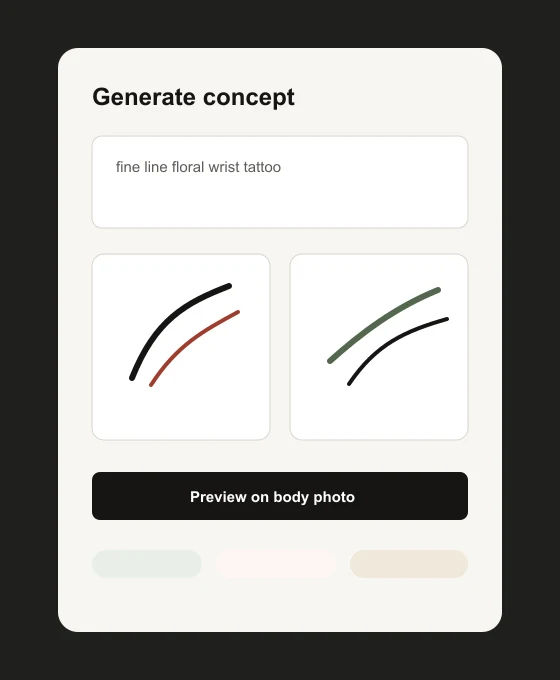
InkView treats AI generation as one source of tattoo ideas. The value comes from moving a generated concept into body preview, where size, placement, rotation, and blend can be evaluated before a real tattoo consultation.
AI tattoo design generator
Generate Ideas, Then Test Them in Context
A generated tattoo image can be inspiring, but it is not enough by itself. Placement, skin area, body angle, and scale change how the concept feels.
InkView helps bridge that gap by letting you preview an AI-generated direction on a body photo and save it as a concept reference.
AI tattoo design generator
Keep AI Outputs in the Right Role
AI concepts should be treated as starting points. They can help define mood, motif, composition, and style, but they should not be described as final tattoo-ready artwork.
A tattoo artist can interpret the visual direction and prepare a design that works for technique, placement, skin, and long-term wear.
AI tattoo design generator
Planning Reference, Not a Final Result
InkView is built for early decision making. The preview can help you compare direction and proportion, but it cannot guarantee how ink will heal, age, or look after a real tattoo session.
Use the saved concept as a starting point for conversation. A professional tattoo artist can adapt line weight, placement, stencil preparation, and skin-specific details before any permanent work begins.
Practical checklist
Before you save the preview
- Write prompts around style, motif, and placement intent.
- Avoid copying protected characters, logos, or artist portfolios.
- Preview the result on a body photo before saving it as a reference.
- Compare simple and detailed versions before your consultation.
Plan before you ink
Generate a tattoo concept, then preview it on your body photo.
Use InkView to save a concept preview and bring a clearer visual reference to your tattoo consultation.
Related planning pages
Keep comparing
FAQ
Common Questions
Does InkView create a final tattoo stencil?
No. InkView creates a concept preview for planning and discussion. A professional tattoo artist should prepare the final stencil and application plan.
Can I use my own body photo?
Yes. The try-on flow is designed around placing a tattoo idea on a body photo so you can compare size, position, rotation, and blend.
Can I share a preview with a tattoo artist?
Yes. Saved previews can be used as a visual reference when discussing direction, scale, and placement with a professional tattoo artist.
What kind of photo works best?
Use a clear, well-lit photo of the body area with the camera held straight on. Avoid heavy shadows, extreme angles, and cropped skin areas.