Legal
Privacy Overview
This website explains the public product position for InkView and links to the official app privacy policy. The in-app privacy policy is the source of truth for current app data handling.
This website explains the public product position for InkView and links to the official app privacy policy. The in-app privacy policy is the source of truth for current app data handling.
InkView privacy
Body Photo Try-On Boundary
InkView's local try-on boundary is that body photos used for the try-on feature are not used for AI training and are not uploaded through that feature.
AI generation may process prompts, style selections, request metadata, and generated results. Do not interpret this overview as a promise that no image or metadata is ever processed in any future feature.
InkView privacy
Official Policy
Read the official privacy policy at https://tattooyinsi.housesdesign.org/. If a future app feature changes how images, references, or AI requests are handled, public product pages should be updated to match the policy.
Practical checklist
Before you save the preview
- Check the official policy for current details.
- Avoid uploading sensitive references unless the app flow clearly explains the use.
- Use support channels for privacy questions.
- Review App Store privacy labels when available.
Plan before you ink
Review the official privacy policy before using sensitive references.
Use InkView to save a concept preview and bring a clearer visual reference to your tattoo consultation.
Related planning pages
Keep comparing
FAQ
Common Questions
Does InkView create a final tattoo stencil?
No. InkView creates a concept preview for planning and discussion. A professional tattoo artist should prepare the final stencil and application plan.
Can I use my own body photo?
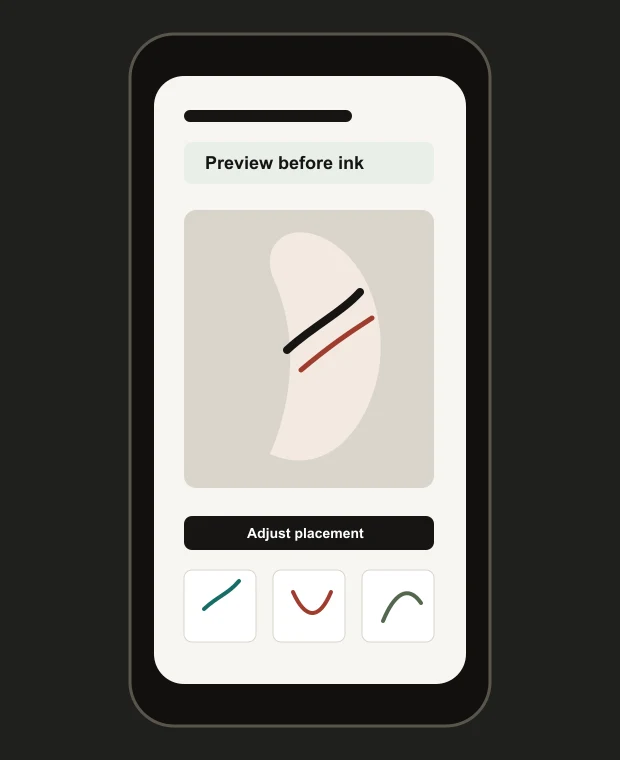
Yes. The try-on flow is designed around placing a tattoo idea on a body photo so you can compare size, position, rotation, and blend.